Drafts and Asset Management
Keep reusable content and media assets in one place to reduce repeat uploads and keep your team's content consistent.
Content drafts
A draft holds a creation project that is unfinished or set aside to publish later, including the copy, the channel selection, part of the publishing configuration, and linked assets. It is meant for further editing; it is not the same as a finished media file, and it does not create a publishing task on its own.
When you reopen a draft, check again whether the account status, platform rules, scheduled time, and assets are still valid. Deleting a draft usually does not delete the original images or videos in the asset library, but check the on-screen prompt before you do it.
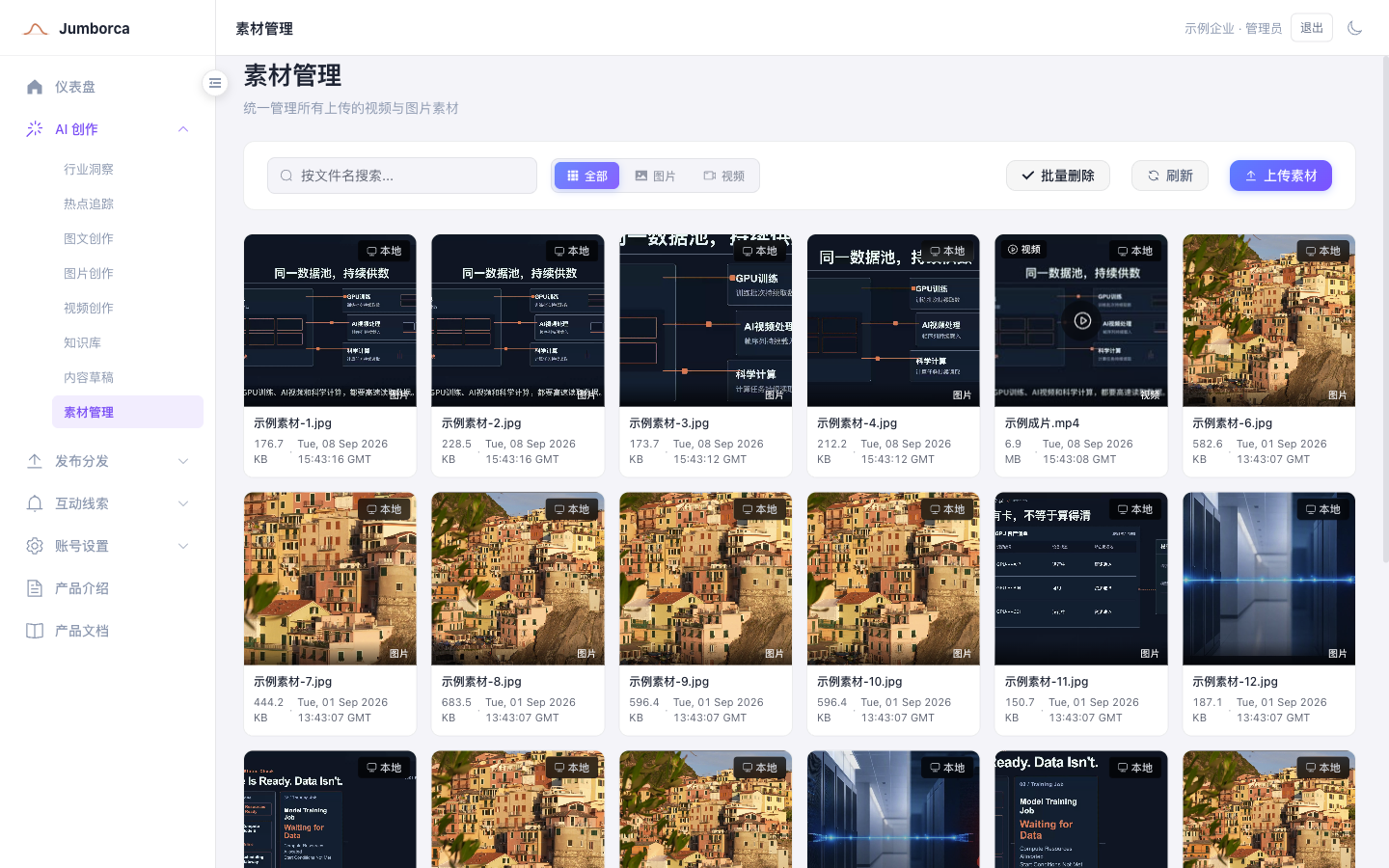
Asset library
The asset library manages uploaded files together with system-generated images, covers, and final videos. After a storyboard is finished, you still need to run the render; only a successfully rendered MP4 enters the asset library as a publishable video.
- Use clear names to distinguish products, campaigns, customer cases, and general brand assets.
- Confirm copyright, portrait rights, and commercial use authorization before uploading.
- Before deleting an asset, check whether it is still referenced by a draft or a publishing task.
- Periodically verify that long-lived logos, QR codes, and outros are still valid.