Brand Profile and Knowledge Base
Build reliable brand context and knowledge sources so that AI-generated content is more accurate and more consistent.
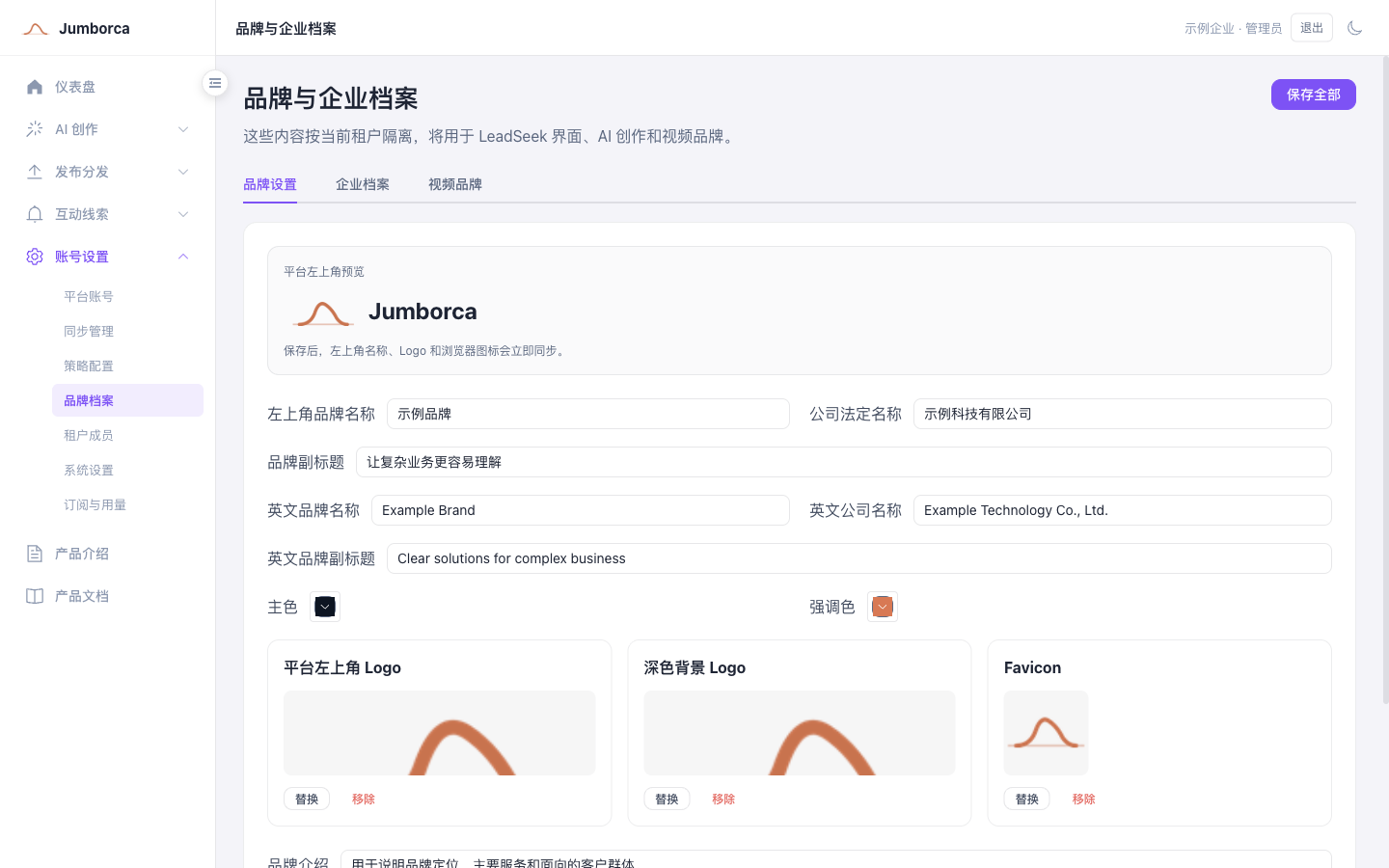
Maintain the brand profile
The brand and company profile is the shared source of information for the current tenant. The name, logo, brand colors, company introduction, products and services, and video branding stored here are used together by the interface, AI creation, reports, and video generation. Confirm you are in the correct workspace before making changes; content created after you save uses the latest information first.
- Brand settings control the brand name, logo, primary color, and introduction shown inside the product.
- The company profile records the company name, core business, products and services, customer types, and brand messaging guidelines.
- Video branding is used for openers, endings, subtitles, and brand exposure. Check how it renders in the Chinese and English versions separately.
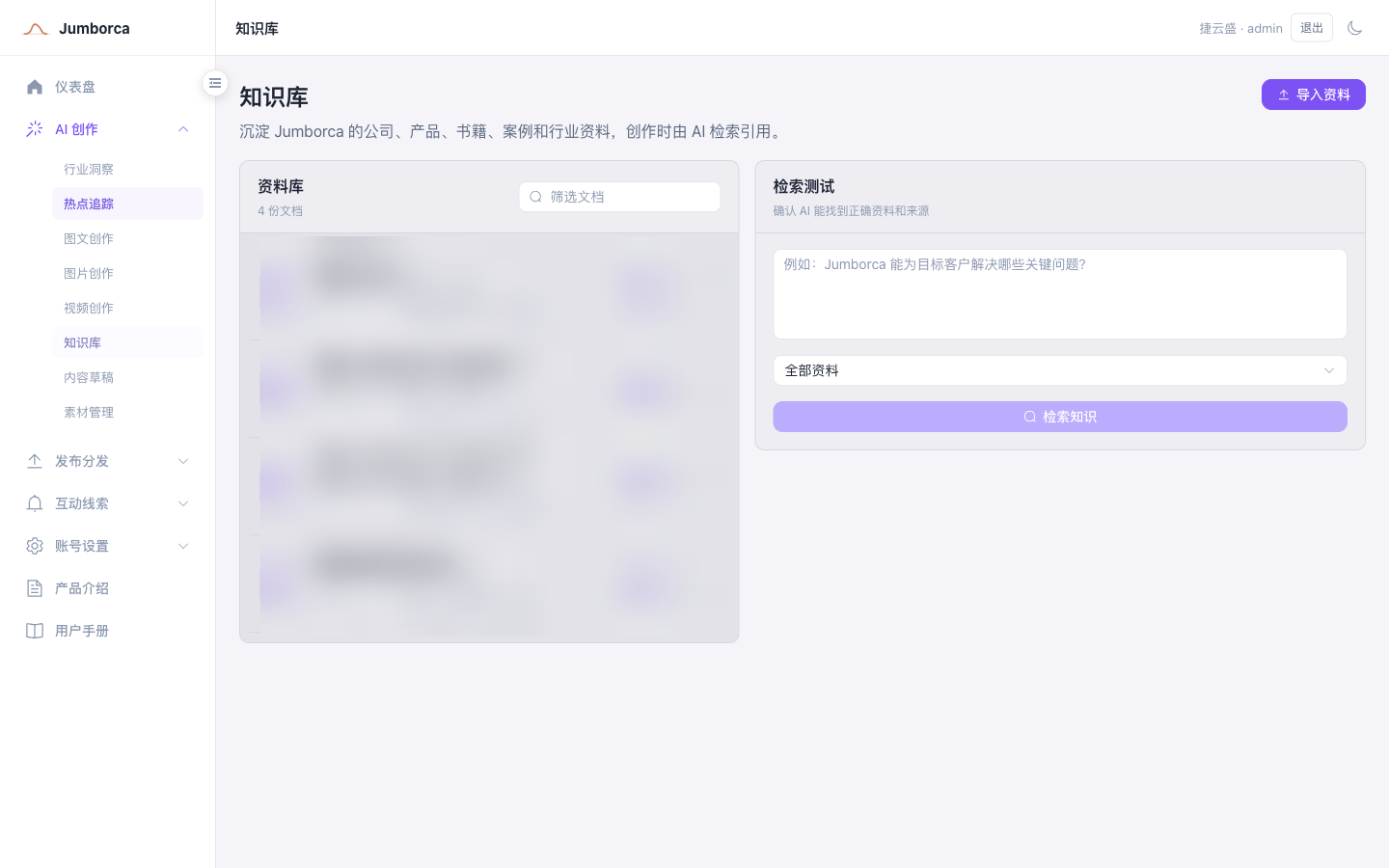
Import knowledge materials
- Upload official product materials, FAQs, service processes, and approved case studies first.
- Use clear file names and categories, and avoid keeping several conflicting versions of the same content.
- Check the processing status after importing, and run one simple question to verify that the material can be retrieved.
- When material is no longer valid, update or deactivate the old version so that generated content does not cite outdated information.
Content quality principles
Note
The knowledge base is meant for reusable, auditable company facts. It is not the place for passwords, cookies, customer private data, or unauthorized internal materials.