AI Content Creation
Generate articles, images, and videos from your publishing channels, lead generation goals, and brand materials, and complete a manual review before publishing.
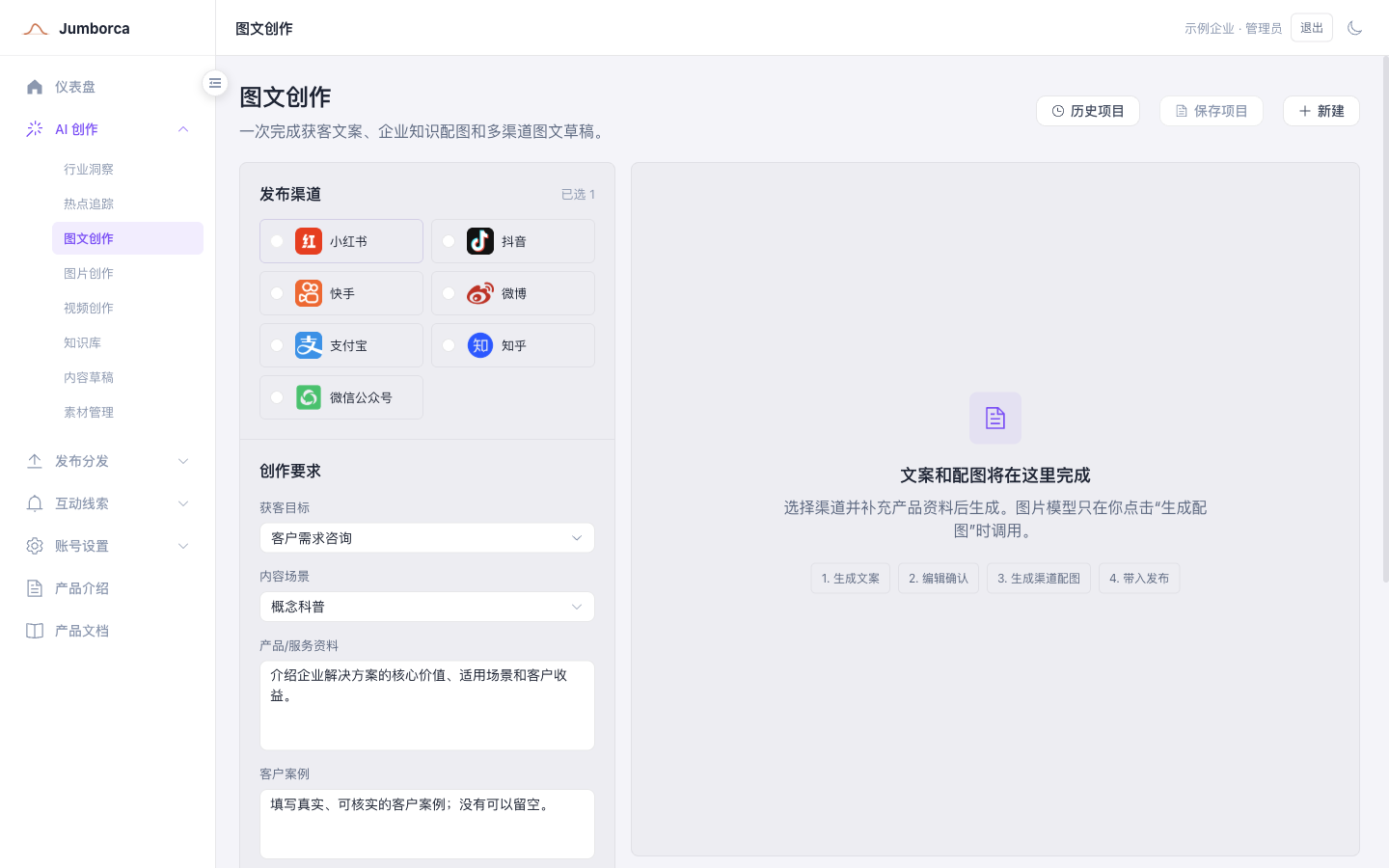
Article and image creation
- Select the target publishing channel, and the system applies the matching content specifications.
- Fill in the lead generation goal, the content scenario, product materials, and verifiable customer cases.
- Once the copy is generated, correct the facts, commitments, and brand wording first, then generate the images.
- Check the text, logos, depictions of people, and proportions in each image, and save the versions that pass.
Video creation
Video generation is a staged workflow: a continuous script is generated first from your topic, materials, and target duration, then split into multiple scenes and turned into a previewable HTML animated storyboard. Once you confirm the visuals, subtitles, and voiceover, the video is finally rendered as a high-definition MP4 and saved to the asset library.
The video page supports a Chinese master version, a synchronized English version, scene-by-scene refinement with Pi, editing the subtitles or the script on their own, updating the voice and speech rate, and regenerating the voiceover without redoing the visuals. For detailed steps, see the "Video Generation" document.
Pre-publish review
- Facts, data, and statements about product capabilities are backed by evidence.
- No absolute promises, infringing assets, or inappropriate marketing language.
- Platform declarations, original-content status, and repost sources are filled in correctly.
- Contact details and calls to action comply with company and platform rules.