Platform Account Management
Connect and check third-party content platform accounts, and understand the difference between active, expired, disabled, and disconnected accounts.
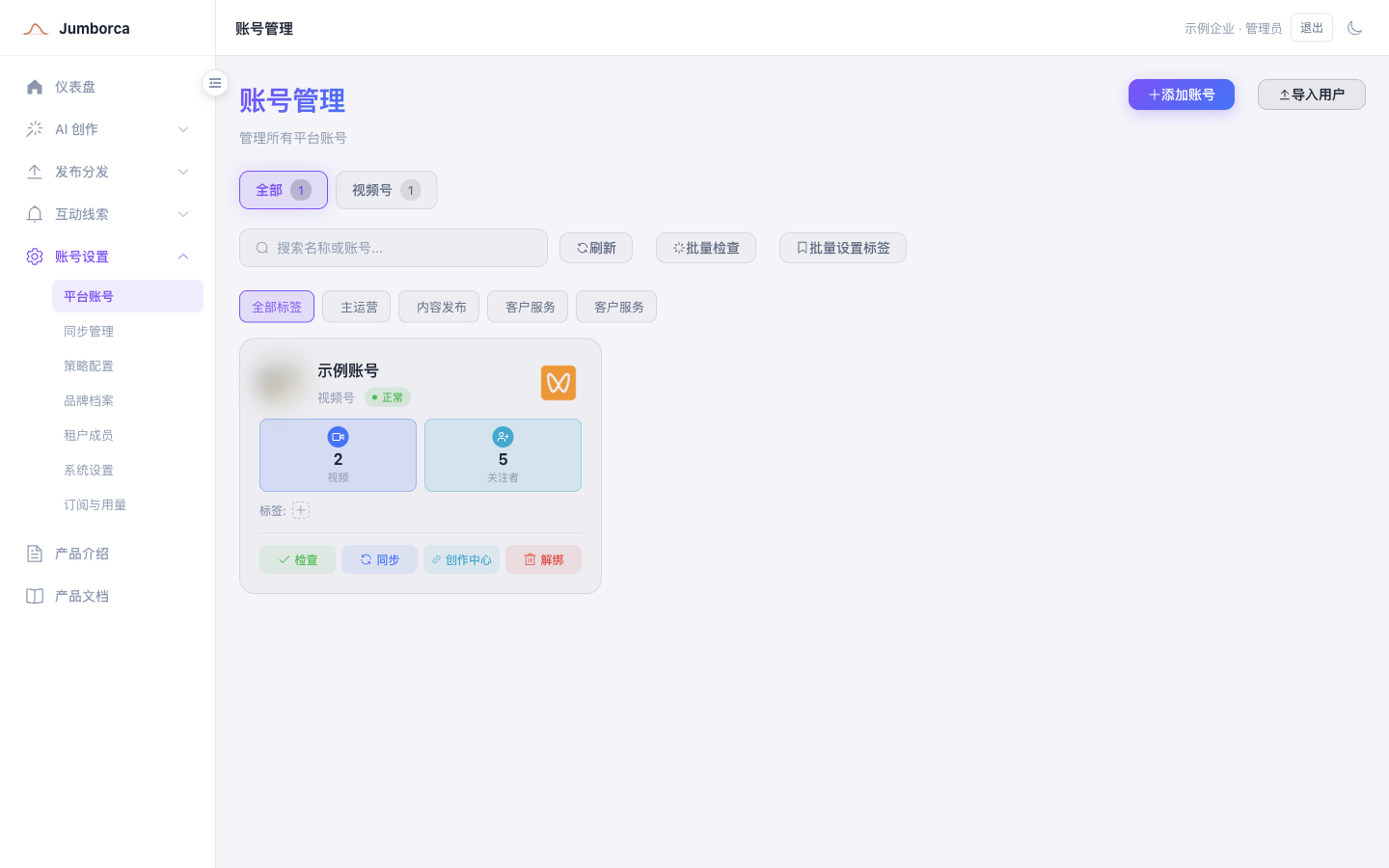
Connect an Account
- Go to Platform Accounts under Account Settings.
- Select Add Account and choose the target platform.
- Complete the QR code scan, verification code, or login authorization on the platform's official page.
- Return to LeadSeek and check that the nickname, avatar, and account status are correct.
- Add tags as your team needs, so you can filter accounts when publishing.
Account Status
- Active: the current login session can be used for supported publishing or sync operations.
- Login expired: the platform session is no longer valid and you need to log in again.
- Disabled or blocklisted: the account keeps its history but no longer takes part in related tasks.
- Disconnected: removes the current connection. Check for unfinished tasks and any requirements on historical data before you disconnect.
When you log back in with the same platform identity, the system should recognize it as the original account and restore the posts, engagement, and direct messages that belong to that account. If you see duplicate account records, missing historical content, or a session that still appears after disconnecting, stop connecting accounts and contact your administrator to verify the platform identity.
How Accounts Relate to Business Data
Posts, engagement, direct messages, and the leads generated from that engagement must all retain their source platform account. Once an account is logged out or disconnected, it no longer takes part in publishing, sync, or message monitoring. After you log back in with the same platform identity, historical data should be reattached to the same account rather than creating a new business identity.
Disconnecting does not delete content on the platform side, and it must not directly delete your company's historical records. Whether the page shows historical data depends on the product's data retention rules and the current connection status. Read the impact described in the disconnect confirmation dialog first.
Platform Changes
Third-party platforms change their login methods, fields, and publishing limits. The required fields actually shown on the page and the platform's latest rules take precedence over the examples in this document.