Tasks, Publishing History, and Sync
Confirm execution results through task status and publishing history, and sync posts and data from the platforms.
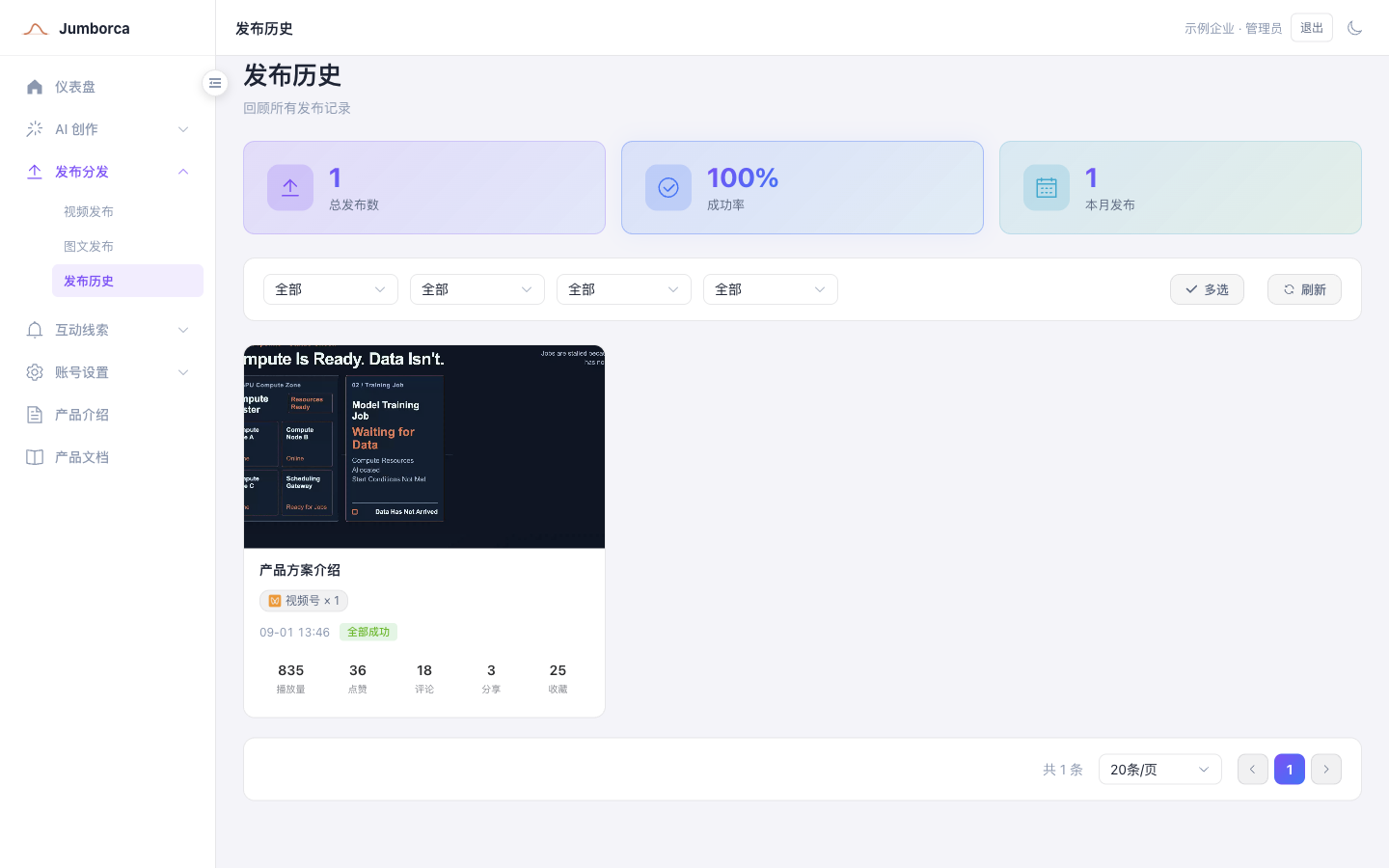
Understanding Task Status
- Pending or running: the task is still being processed, so do not submit it again.
- Succeeded: the platform has accepted the task, but you should still spot-check how it finally appears on the platform.
- Failed: check the error reason, fix the account, assets, or fields, and then retry.
- Partially succeeded: only some targets in a multi-account task succeeded, so review the details account by account.
Do not judge every account from the overall status at the top of the batch. When you publish to multiple accounts, open the batch details and check the status, error reason, and post link for each platform account.
Publishing History
Publishing history records the batch, account, platform, status, post link, and the view and engagement data that has been synced. For a review, filter by content type, platform, status, and time, then open the batch details to verify the result for each account.
Numbers such as views, likes, and comments come from a later sync and do not necessarily appear as soon as publishing succeeds. If the statistics are empty, first check whether the account is online and when it last synced. Do not read "not synced yet" as meaning the numbers on the platform are zero.
Data Sync
Sync management updates posts, comments, and engagement data from the platforms. Set the sync frequency to match your business needs and the platform's limits, and do not trigger repeated syncs at high frequency after a failure.